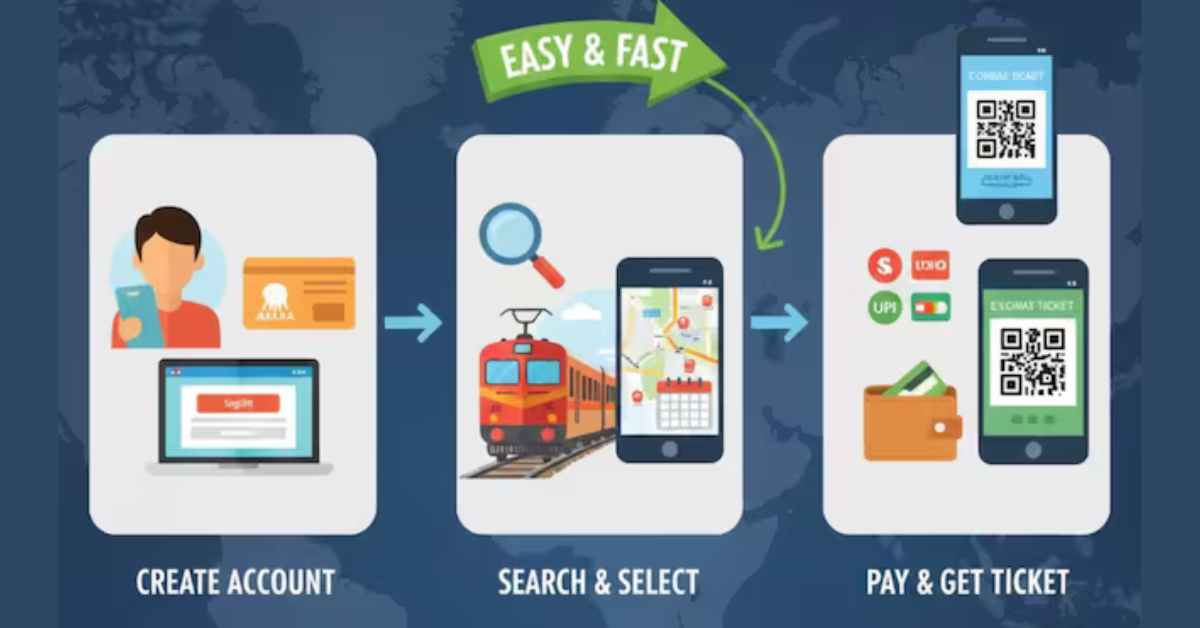
Aadhaar-IRCTC Account Link
Have you linked your Aadhaar and IRCTC account. If not, then complete this work immediately and take advantage of easy ticket booking.
 Ticket booking will become easy after linking Aadhaar and IRCTC account.
 New Delhi: More than 3 crore people travel by train every day in the country. Booking tickets for this has also become easier because IRCTC has now made it mandatory to link Aadhaar to book tickets. Even today, many people are not able to book tickets online because their Aadhaar is not linked to the IRCTC service. Some people did not do this work out of laziness and some did not even know how to link it.
Some people consider linking Aadhaar with IRCTC account as just a formality, but it is necessary to make your account more secure and avoid problems during ticket booking and travel. If you have ever seen any error regarding booking limit, verification or suddenly, then it is possible that this problem could have been solved by Aadhaar linking. We give step by step information about this, so that it becomes easy for you to link Aadhaar.
Also Read



Also Read : क्या है ChatGPT का Age Verification System? 18 साल से कम उम्र वालों के लिए क्या होगा नया? जानें हर सवाल का जवाब
Why is it necessary to link Aadhaar with account?
Linking Aadhaar reduces collusion between agents and brokers and misuse of ticketing system, making it easier for genuine passengers to get confirmed seats. When your account is verified, IRCTC can ensure that you are a real person and not a fake or bulk booking account. In some cases, like Tatkal and Premium Tatkal booking, now only for Aadhaar verified users. This has made it easier and safer for common passengers to book tickets.
Collect these documents first
Before linking the account with Aadhaar, you will have to collect some important documents. Before linking, ensure that you have an active IRCTC account and your user ID and password are ready. Then keep your Aadhar card handy, which has either 12 digit Aadhar number or virtual ID. Also ensure that your mobile number is linked to Aadhaar, so that you can receive OTP for verification.
Also Read : Instagram AI Voice Translate अब 5 नई भारतीय भाषाओं में
The easiest process to link
- First of all, you have to go to the official website of IRCTC and login to your account with your registered user ID and password.
- Then click on the My Account tab, which will open options related to your profile and account.
- Select Authenticate User or Link Your Aadhaar from the options available here, which will start the process of Aadhaar linking.
- On the next page, enter your Aadhaar number or Virtual ID (VID) and check whether your name, date of birth and gender matches with your Aadhaar records.
- After confirming the information, click on Verify Details and Receive OTP, through which an OTP will be sent to the mobile number linked to your Aadhaar.
- Enter the OTP received on your mobile in the space provided and click on Submit or Verify.
- Finally, tick the consent box and submit the form. After this your account will appear as Authenticated with a green tick.
