What is Odoo : Odoo Unlocked
In the bustling digital marketplace, business owners are constantly on the lookout for tools that can simplify their operations. You’ve likely heard the term “ERP” or “all-in-one software” thrown around, and amidst the noise, one name consistently pops up: Odoo. But what exactly is Odoo? Is it just another piece of software, or is it the transformative tool your business has been missing?
If you find yourself wrestling with disconnected systems—your CRM doesn’t talk to your inventory, and your invoicing is a separate nightmare—you’re not alone. This fragmentation is the very problem Odoo was built to solve. Let’s pull back the curtain and explore everything you need to know about Odoo, from its core functionality to choosing the right hosting environment for your needs.
So, What-Is-Odoo, Really?
At its heart, Odoo is a comprehensive suite of business applications. Think of it as a Swiss Army knife for your company. Instead of juggling ten different software subscriptions from ten different vendors that don’t communicate, Odoo offers a single, integrated platform that handles everything.
Also Read



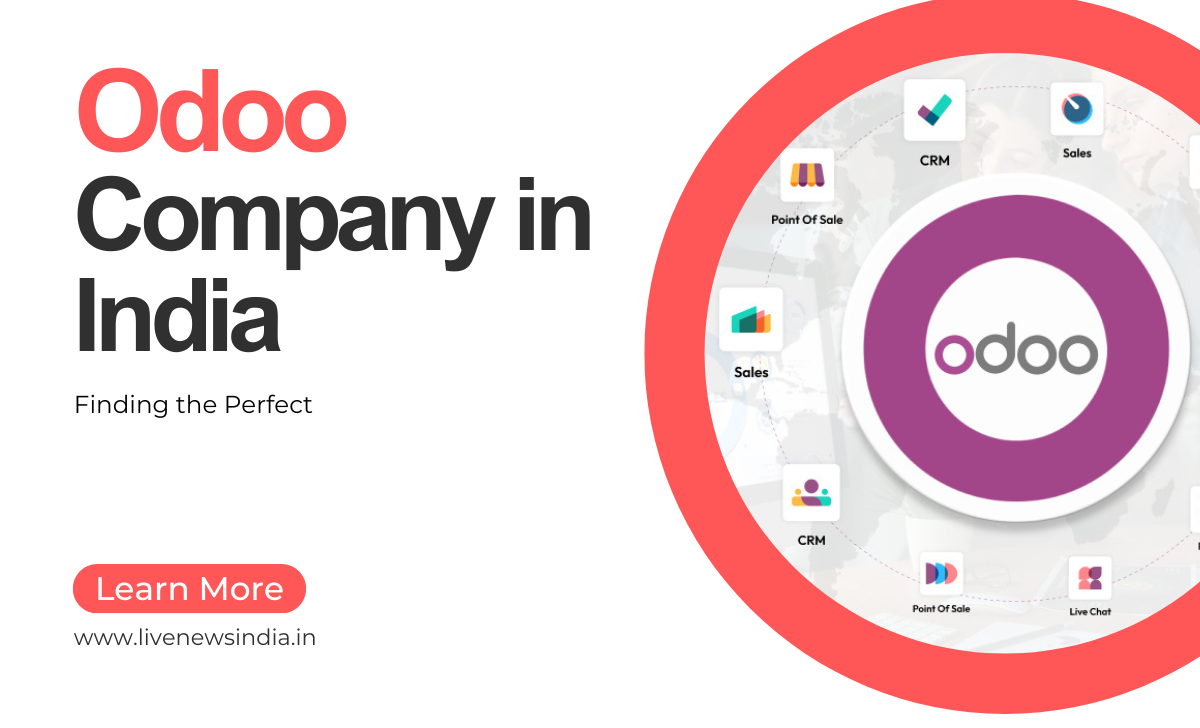
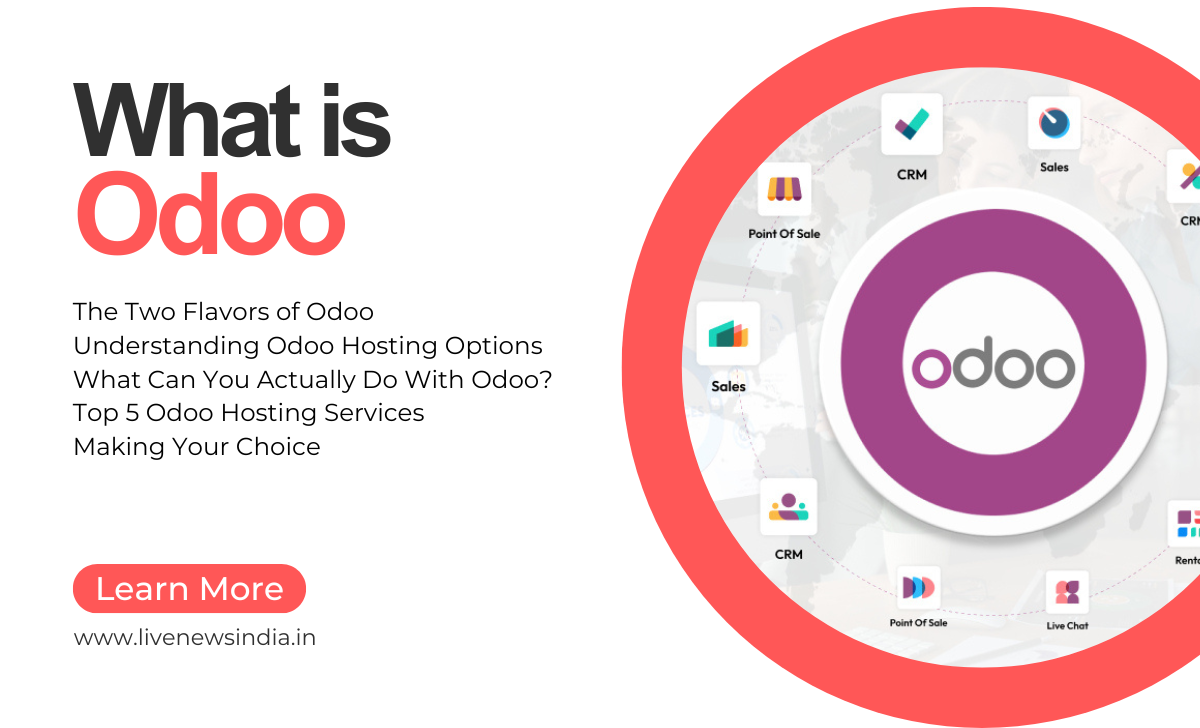
Originally known as OpenERP, Odoo has evolved from a focused Enterprise Resource Planning (ERP) tool into a vast ecosystem. Its genius lies in its modular structure. Imagine your business core is the engine. You can then bolt on precisely the modules you need—like Sales, CRM, Website Builder, eCommerce, Inventory, Manufacturing, Accounting, and Human Resources. These aren’t just loosely connected; they are deeply integrated, meaning data flows seamlessly from one to the other.
A sale in the CRM automatically creates a customer record, which can generate a quotation, convert to an invoice in Accounting, and update stock levels in Inventory. This eliminates duplicate data entry, reduces errors, and provides a single source of truth for your entire operation.
The Two Flavors of Odoo: Community vs. Enterprise
One of the first decisions you’ll encounter is choosing between the two primary editions of Odoo. Understanding this distinction is crucial.
1. Odoo Community Edition
This is the open-source version of Odoo. It’s free to download, use, and even modify.
- Cost: Free (as in beer).
- Features: Offers a robust set of core applications, including CRM, Sales, Inventory, Website Builder, Project Management, and Accounting (to a basic degree). For many small to medium-sized businesses, the Community Edition provides more than enough functionality to get started.
- Customization: Being open-source, it offers unparalleled freedom. You can hire a developer to customize any part of the code to fit your unique business processes perfectly.
- Considerations: The setup, maintenance, and updates are your responsibility. You’ll need your own server and technical expertise or a partner to manage it.
2. Odoo Enterprise Edition
This is the commercially licensed version built on top of the Community Edition. It adds a significant layer of polish, advanced features, and official support.
- Cost: Subscription-based, priced per user, per month.
- Features: Includes all the Community features plus advanced functionality like a drag-and-drop website builder, sophisticated accounting reports, automated bank feeds, marketing automation, and a more intuitive mobile app. The user interface is generally more refined and user-friendly.
- Support: Comes with official support from Odoo S.A., the company behind the software.
- Hosting: Can be hosted on Odoo’s own cloud platform (
Odoo Online) or on your own servers.
Which one is for you? If you have a limited budget and some technical resources (or a partner), start with Community. If you prefer a hands-off, fully-supported experience with access to the latest and greatest features, the Enterprise subscription is worth the investment.
The Engine Room: Understanding Odoo Hosting Options
Where you host your Odoo instance is as important as the software itself. It impacts performance, security, maintenance, and scalability. Here are the primary hosting routes.
1. Odoo Online (SaaS)
This is the simplest way to get started with the Odoo Enterprise Edition. Odoo S.A. hosts everything for you on their servers.- Pros: Zero setup, no server maintenance, automatic backups and updates, included in your user subscription. It’s the ultimate “it just works” option.
- Cons: Limited customization. You cannot install custom modules from the Odoo App Store or modify the core code. You are also locked into the Enterprise Edition.
2. Odoo.sh
This is Odoo's official Platform-as-a-Service (PaaS) offering. It's designed for developers and businesses that need the power and flexibility of the self-hosted version without the sysadmin headaches.- Pros: Offers a professional staging environment for testing, automated backups and updates, GitHub/GitLab integration for seamless deployment, and the ability to install custom modules. It’s the perfect middle ground between Odoo Online and a fully self-managed server.
- Cons: It’s an additional cost on top of your Enterprise user licenses.
3. On-Premises / Self-Hosting
This involves installing Odoo on your own server, whether it's a physical machine in your office or a Virtual Private Server (VPS) you rent from a provider like DigitalOcean, Linode, or AWS.- Pros: Maximum control, flexibility, and customization. You can host both Community and Enterprise editions and have complete freedom over your environment.
- Cons: You are entirely responsible for setup, security, maintenance, updates, and backups. This requires significant technical expertise.
What Can You Actually Do With Odoo? A Glimpse Into Its Power
To truly appreciate Odoo, you need to see it in action. Its integrated nature is its superpower.
- Sales & CRM: Track leads and opportunities. Create beautiful quotations that can be electronically signed. When a quote is confirmed, Odoo can automatically generate a sales order.
- Inventory & Manufacturing: The sales order then updates your inventory levels in real-time. If you manufacture goods, you can create Bills of Materials (BOMs) and manage your entire production process.
- Accounting & Invoicing: Once the goods are delivered, creating an invoice is a single click. The invoice pulls all the data from the sales order and updates your accounting ledger automatically. Connect your bank for automated reconciliation.
- Website & eCommerce: Build a professional website using Odoo’s built-in builder. Its eCommerce module is fully integrated, meaning online sales automatically update your inventory and finance modules.
- Project Management: Plan tasks, track time, and assign jobs to your team. Link projects to specific sales orders for accurate job costing.
This seamless flow of information turns your business into a well-oiled machine, where every department is on the same page.
Top 5 Odoo Hosting Services for a Flawless Experience
If you’ve decided that self-hosting (on-premises or on a VPS) is the right path, choosing a reliable hosting provider is critical. Here are five excellent services known for their performance and Odoo compatibility.
- Odoo.sh: As the official platform, it deserves the top spot for anyone serious about a customized Enterprise setup. Its deep integration with the Odoo ecosystem and streamlined development workflow make it the gold standard for professional deployments.
- AWS (Amazon Web Services): A giant in the cloud world, AWS offers immense scalability and a wide array of services. You can deploy Odoo on an EC2 instance with an RDS database for optimal performance. It’s ideal for large enterprises with variable loads and complex IT needs.
- DigitalOcean: A favorite among developers and SMEs, DigitalOcean is renowned for its simplicity, high-performance SSD-based “Droplets” (VPS), and straightforward pricing. Their one-click Odoo installer makes deployment incredibly easy, and their robust infrastructure ensures great uptime.
- Linode (Now Akamai): Similar to DigitalOcean, Linode offers powerful and affordable cloud instances. They are known for excellent network performance and a developer-friendly control panel. It’s a strong, cost-effective choice for hosting both Odoo Community and Enterprise editions.
- Vultr: Another high-performance cloud provider, Vultr competes directly with DigitalOcean and Linode. They offer a global network and compute instances that are perfectly suited for running Odoo smoothly. Their competitive pricing and simple setup process make them a solid contender.
When selecting a provider, consider factors like your geographic location (for latency), budget, required technical control, and the availability of one-click installers to simplify your life.
Making Your Choice: A Final Word
Odoo presents a compelling argument for businesses tired of operational chaos. Whether you opt for the straightforward Odoo Online, the developer-friendly Odoo.sh, or the fully-customizable self-hosted route, you are investing in a platform that grows with you.
Start by clearly defining your business needs and your internal technical capability. For many, starting with Odoo Online provides a risk-free way to experience the power of an integrated system. As your needs become more complex, you can always migrate to Odoo.sh or a self-hosted solution to unlock greater potential.
The goal is to spend less time managing software and more time growing your business. With Odoo, that goal is not just a possibility—it’s the entire point.